Give your eyes a moment of rest
— right from the menu bar
Every 20 minutes of screen time, Qimu reminds you to look 20 seconds into the distance, then tucks itself back into the menu bar. It steps aside during meetings, presentations and full-screen playback; leave your desk and the timer waits for you.
Requires macOS 12 or later.
When it's time, it fills the screen
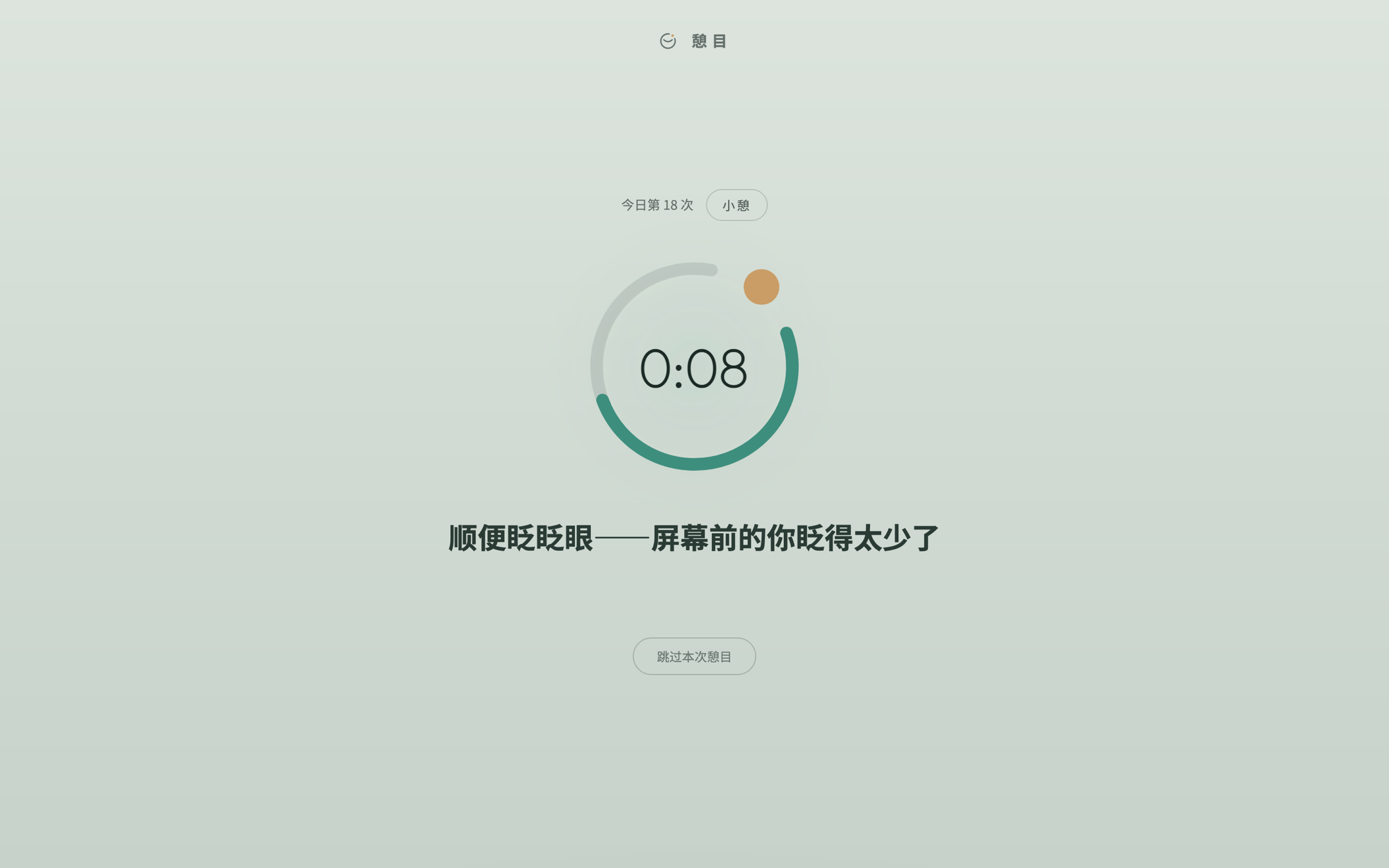
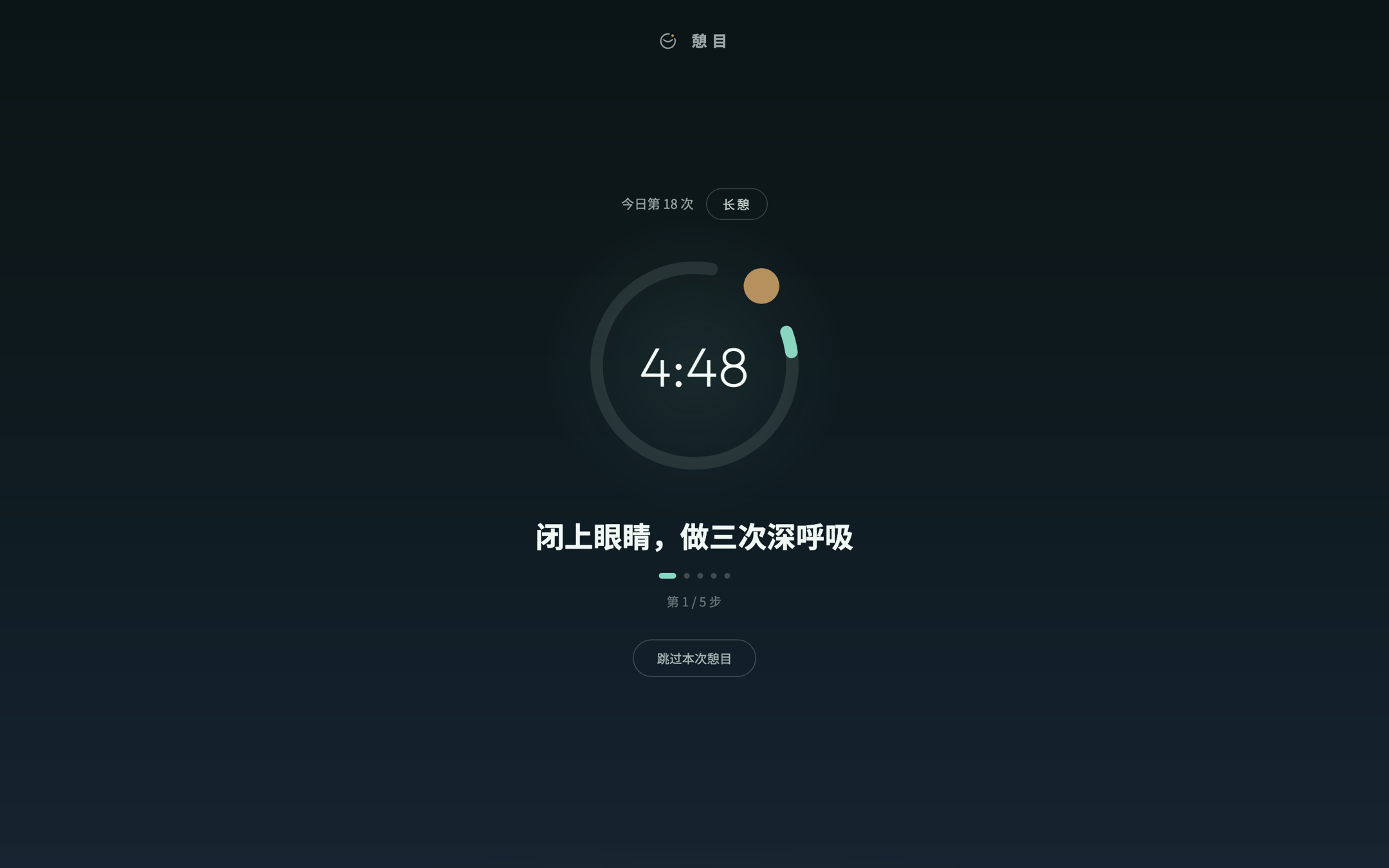
The rest screen covers whatever you're doing so your eyes actually leave the display — not just “in a minute”. Light and dark follow the system; skip any break you don't want.
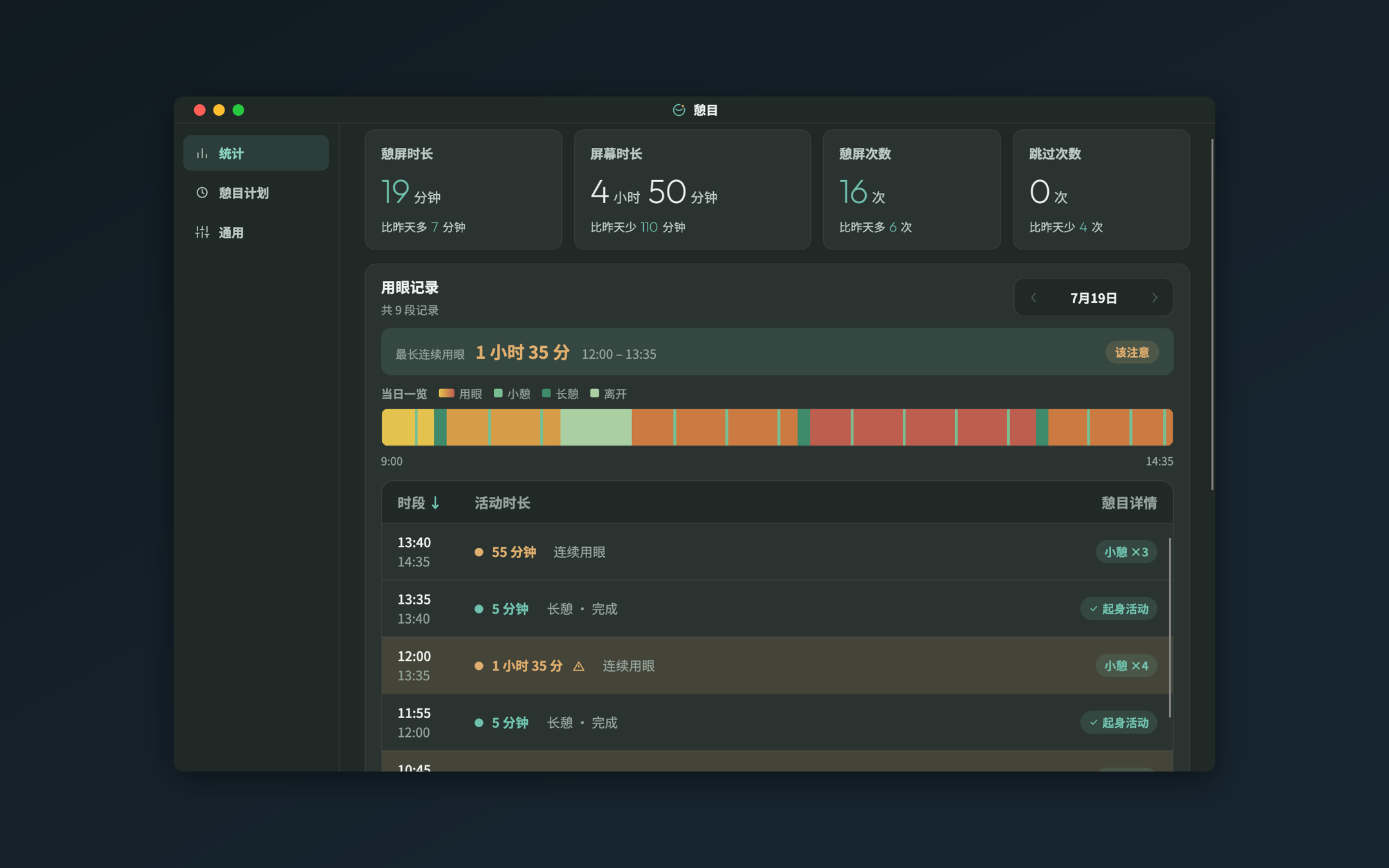
How your eyes spent the day
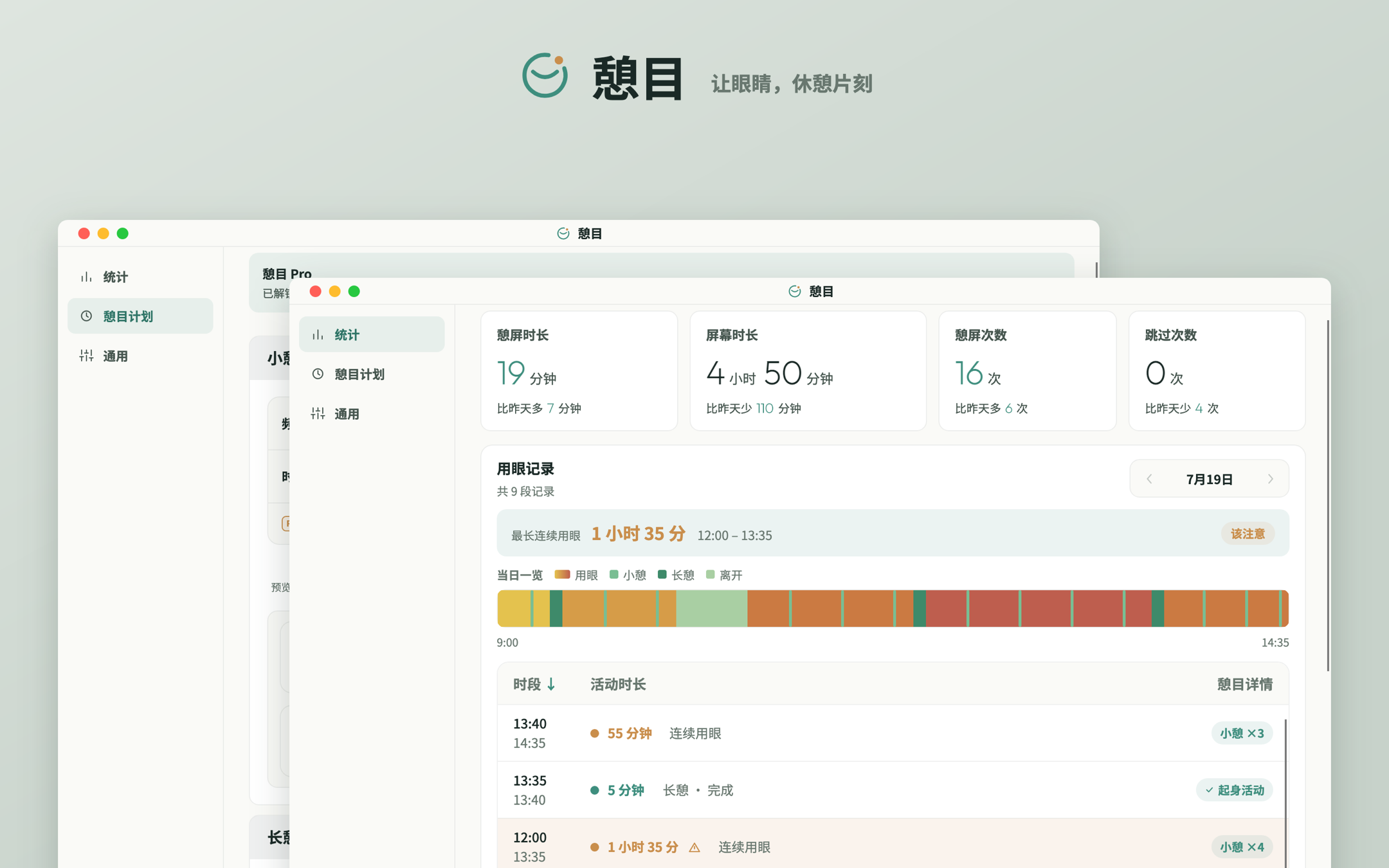
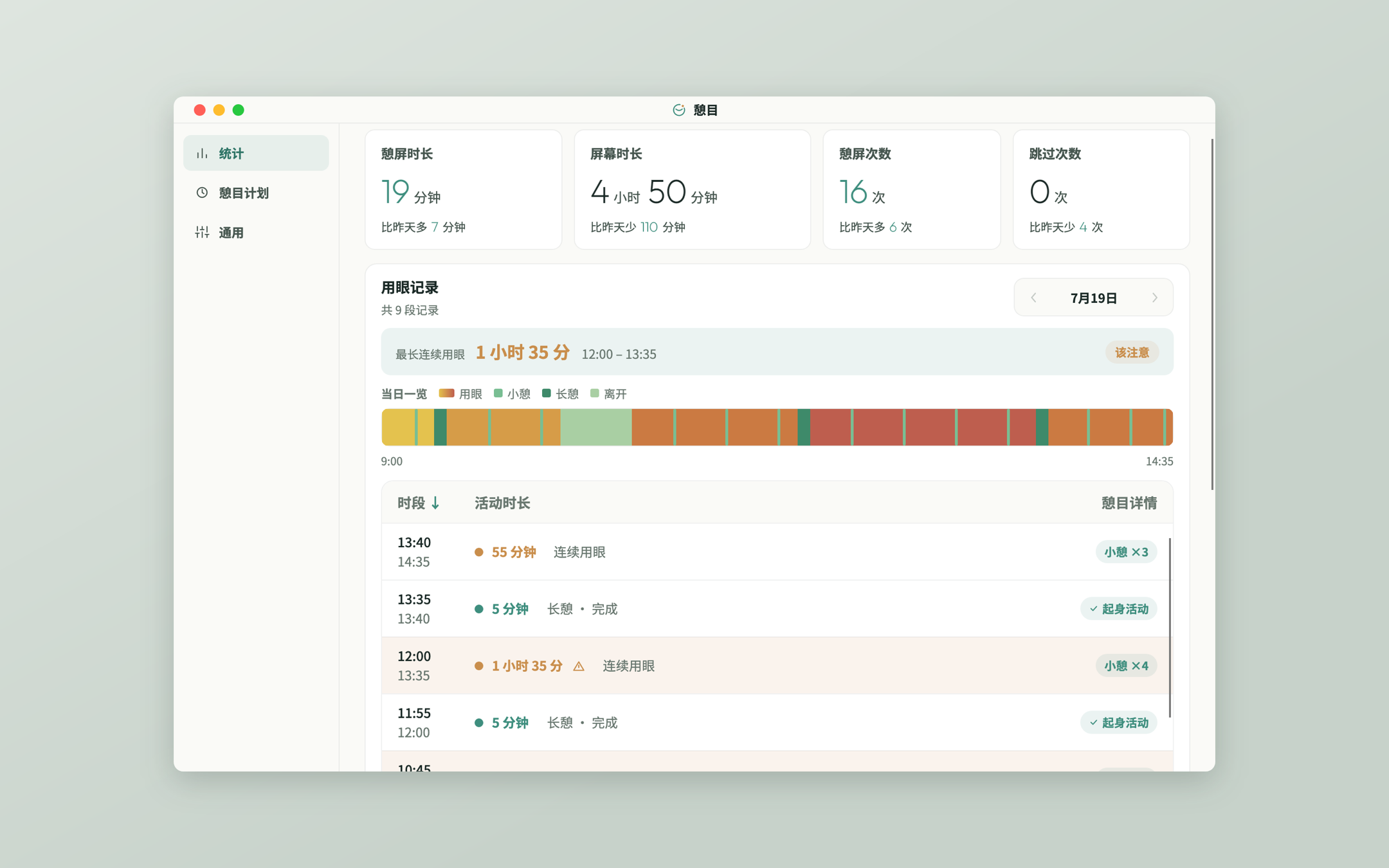
On the daily timeline, every stretch of screen time and every break is shaded by duration. These numbers exist only on this Mac — not one of them ever leaves it.
What it does
Lives in the menu bar
Countdown ring, next break, today's count — all on one small icon. Click when you care, ignore it when you don't.
Short & long breaks
Short breaks rest your eyes for 20 seconds; long breaks walk you through five steps: close your eyes and breathe, roll them slowly, alternate near and far, stand up and stretch.
A 30-second heads-up
A banner appears before the screen is covered. It will never blindside you mid-sentence.
Knows when to stay quiet
Steps aside during full-screen video, presentations and games; won't interrupt while any app is using the microphone; pauses automatically when you leave the keyboard.
The whole day at a glance
The daily timeline is shaded by duration — longest unbroken stretch, breaks taken, skips and time away, all in one place.
No network, no reporting
No account, no telemetry. Records stay in this Mac's sandbox container, deletable in one go anytime.
The free version is enough
Every reminder, all do-not-disturb rules, five languages and both themes are free, running the classic 20-20-20 numbers.
Pro unlocks custom break frequency and duration, custom snooze, the weekly chart and day-by-day history, plus settings export / import. Subscribe monthly or yearly, or buy it once (no subscription, no auto-renewal).
Subscriptions are managed by the App Store and can be cancelled anytime — how to cancel is covered on the support page and in the Terms of Use.

Give it a try
Requires macOS 12 or later. Once installed it lives in your menu bar — the rest is on it.