Give your eyes
a moment of rest
Hours at a screen wear your eyes out quietly. Qimu follows your own rhythm and gently reminds you to look up and gaze far away — no rushing, no interrupting, just a soft nudge.

winget install --source msstore 9N5V74X94TC3 No telemetry · No personal data collected · Everything stays on your machine
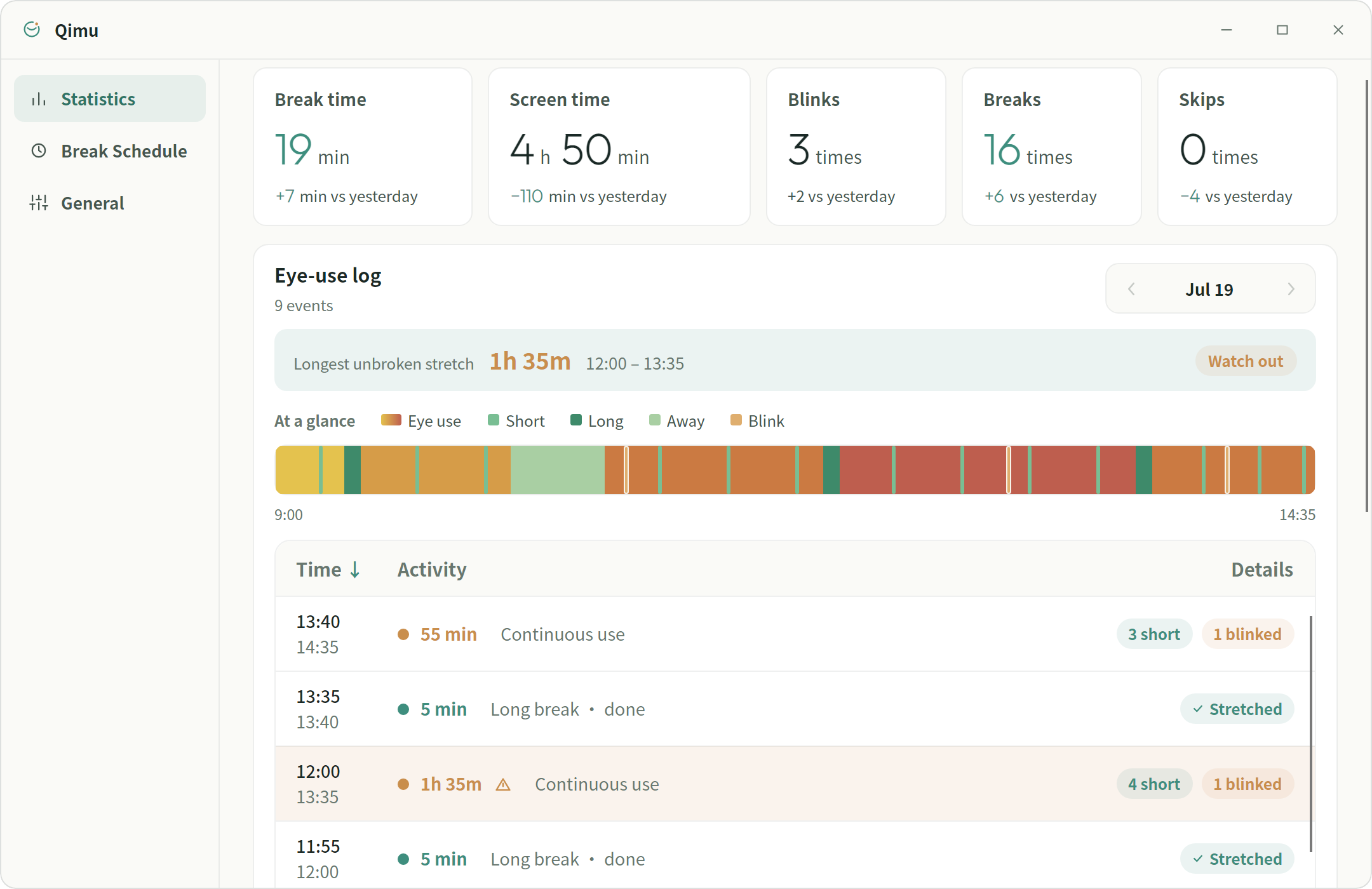
See what it looks like
Flip through Statistics, Break schedule and General settings.
Drag sliders, flip switches, even try a full-screen break
Two rhythms, just right
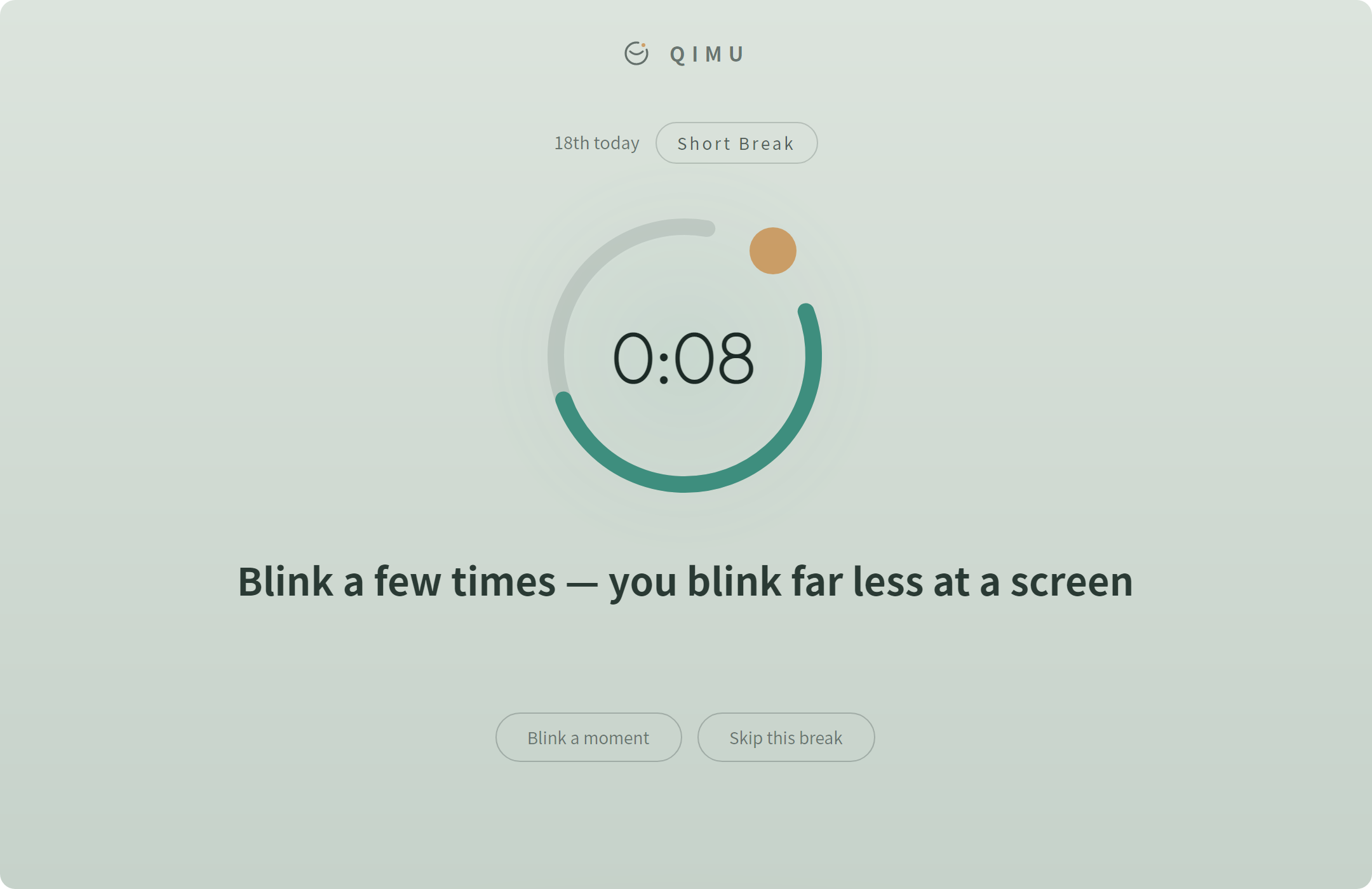
A short break takes just 20 seconds — look out the window, blink a little. A long break walks you through a few simple relaxations: close your eyes, breathe deeply, stand up and move. Every break comes with gentle guidance, and you can always skip. The rest screen follows your system's light and dark themes.
↔ Click to switch the light / dark rest screen
Shows up only when it should
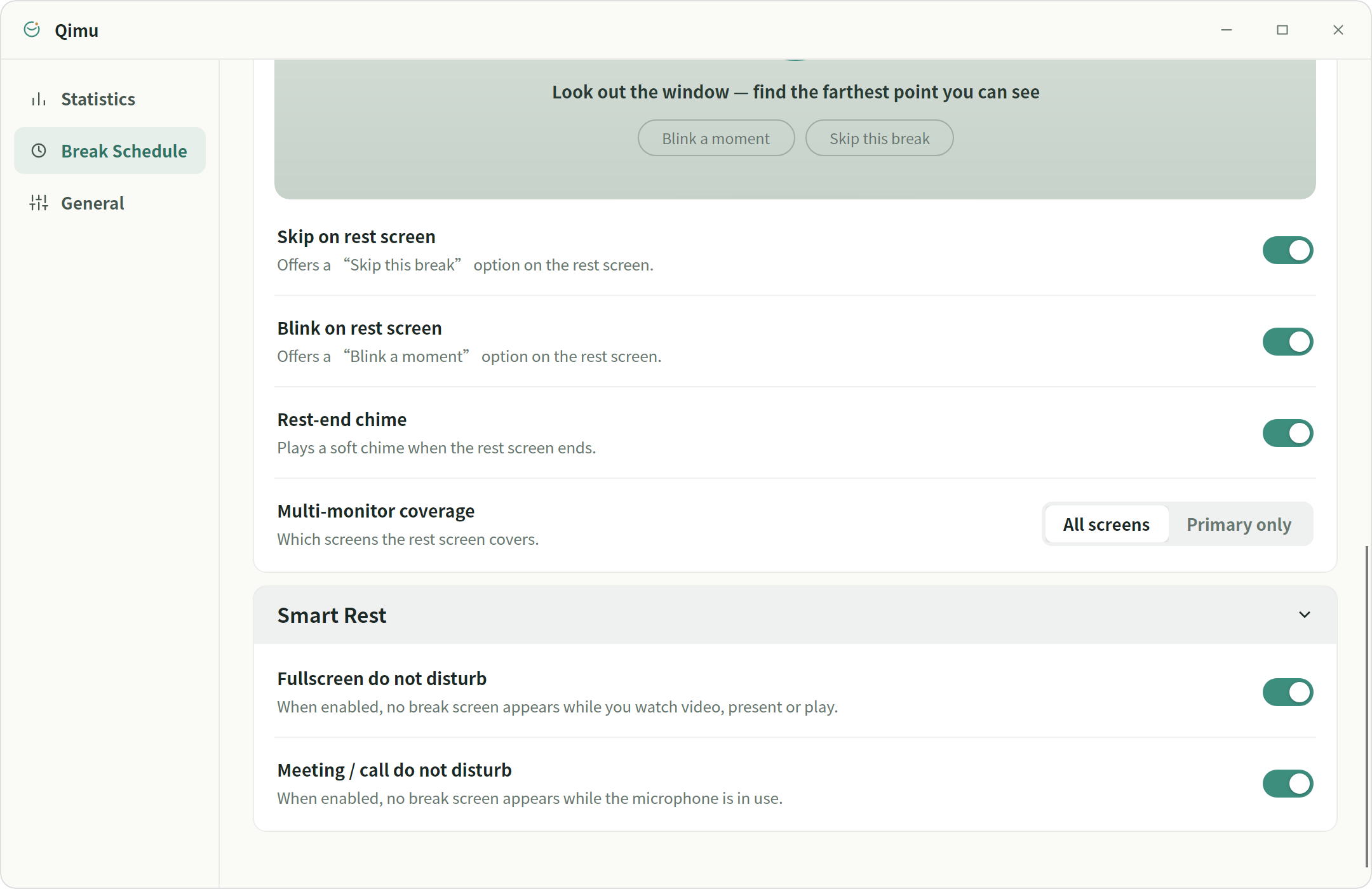
Watching a video, presenting, or gaming? Full-screen do-not-disturb keeps the rest screen quietly away. When your microphone is in use, meeting mode won't interrupt you either. With multiple displays, cover them all or rest on the primary one only.
- ✓ Full-screen DND: video · presentations · games
- ✓ Meeting / call DND: never pops up while the mic is busy
- ✓ Multi-monitor: cover every screen, or just the primary
Your screen-time data belongs to you
Caring for your eyes shouldn't cost your privacy. Qimu keeps everything local — nothing collected, nothing uploaded, nothing analyzed.
No usage reporting, no trackers, no third-party analytics.
Records, statistics and settings live on your own computer.
Connects to the Microsoft Store only for purchase and license checks — offline the rest of the time.
